
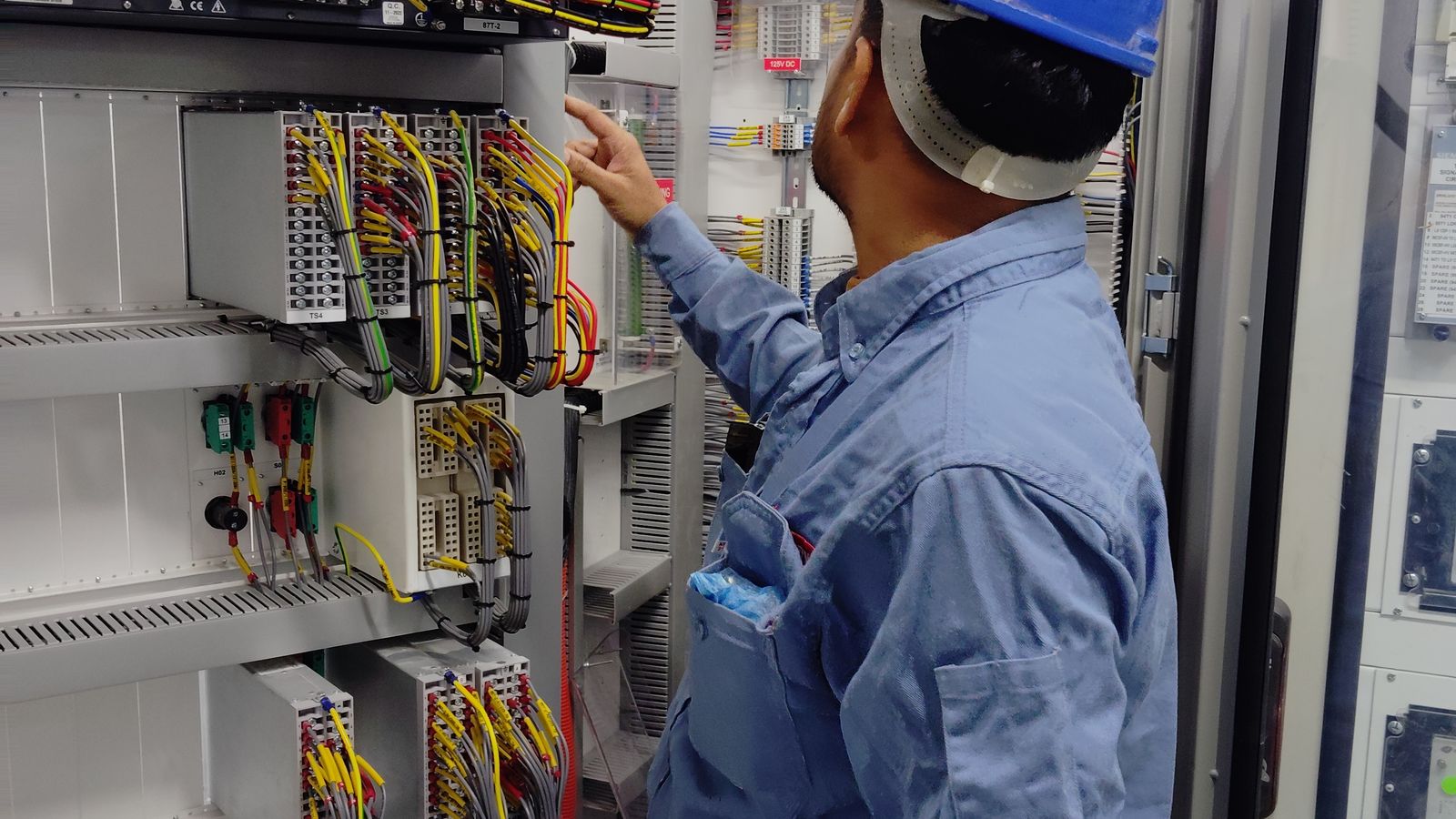
A control system ages even while it runs: disks fill up, backup batteries weaken, error counters pile up on network ports, user accounts multiply, and an out-of-date backup is assumed to be current. None of these causes a stop on its own, but when a failure comes they decide how long recovery takes. An annual health check is the cheapest way to bring this accumulated risk into view during a planned shutdown or maintenance window.
The aim of the list is not to renew everything but to know how much margin each component has left. For every item define a measurement, a threshold and an owner.
The 12-point checklist
| # | Area | What to look at |
|---|---|---|
| 1 | Controllers | CPU and memory load, trend in scan/cycle time, diagnostics logs, synchronization status with the standby controller |
| 2 | I/O and field | Card error counters, recurring channel open-circuit events, grounding and shield connections, terminal tightness |
| 3 | Control network | CRC/collision counters on switch ports, ring reconfiguration events, unused open ports |
| 4 | Servers | Disk usage, event logs, time synchronization (NTP), service restart history, power-supply redundancy |
| 5 | Backups | Date of the last successful backup, its scope (application, OS, licences, network settings) and the last restore test |
| 6 | Power and environment | UPS battery test, cabinet temperature, dust and filter condition, air conditioning, closed cable entries |
| 7 | Software and patches | OS and platform versions, vendor security notices, approved patch list, risk of untested updates |
| 8 | Licences | Expiry, hardware keys (dongles), licence server backup |
| 9 | Users and permissions | Accounts of leavers, shared accounts, scope of engineering rights, remote-access accounts |
| 10 | Alarm KPIs | Alarms per hour, top 10 most frequent, stale alarms, suppressed-alarm list; see alarm management |
| 11 | Spare parts | Stock of critical cards, controllers and switches; vendor lifecycle status; see spare-parts planning |
| 12 | Documentation | Current I/O list, network diagram, configuration backups and as-built drawings; change records |
What to look at first
If time is short, three items give the highest return: that backups can be restored (5), that time synchronization works (4) and that critical spares are on the shelf (11). If a backup has never been restored you cannot be sure you have one; if time synchronization is broken, event ordering and reports become unreliable; if a critical card is not in stock, a small failure can last for days.
How to classify findings
- Urgent: findings that could cause a stop on failure (single-copy backup, critical card without a spare, full disk).
- Planned: things to fix at the next maintenance window (old patches, excess rights, unlabelled cables).
- Watch: trends to follow (monthly growth in controller load, alarm rate).
Write an owner, a date and closing evidence for every finding. Compared against the same list next year, the report shows whether the system is getting better or worse.
When is outside support useful?
While the operations team is busy with daily work, an independent engineer’s eye can read diagnostics and logs that have not been looked at for years, and interpret vendor notices against your actual configuration. As part of our service and maintenance offer, ASP Otomasyon runs such health checks for ABB DCS and PLC systems as part of a planned maintenance programme. The results also give a basis for deciding whether a system upgrade is needed.
Frequently asked questions
Does a health check require stopping production?
Most items can be done while running (reading diagnostics, verifying backups, checking documents). Card replacement, network reconfiguration and battery tests need a planned maintenance window.
How often should it be done?
A full annual check plus short three- to six-monthly checks (backups, alarm KPIs, disk usage) is a balanced plan for most plants. Critical plants can increase the frequency.
Is a restore test really necessary?
Yes. A backup is worth what can be restored from it. The test also reveals the restore time and missing components (licences, drivers, network settings). See automation backup and restore.


