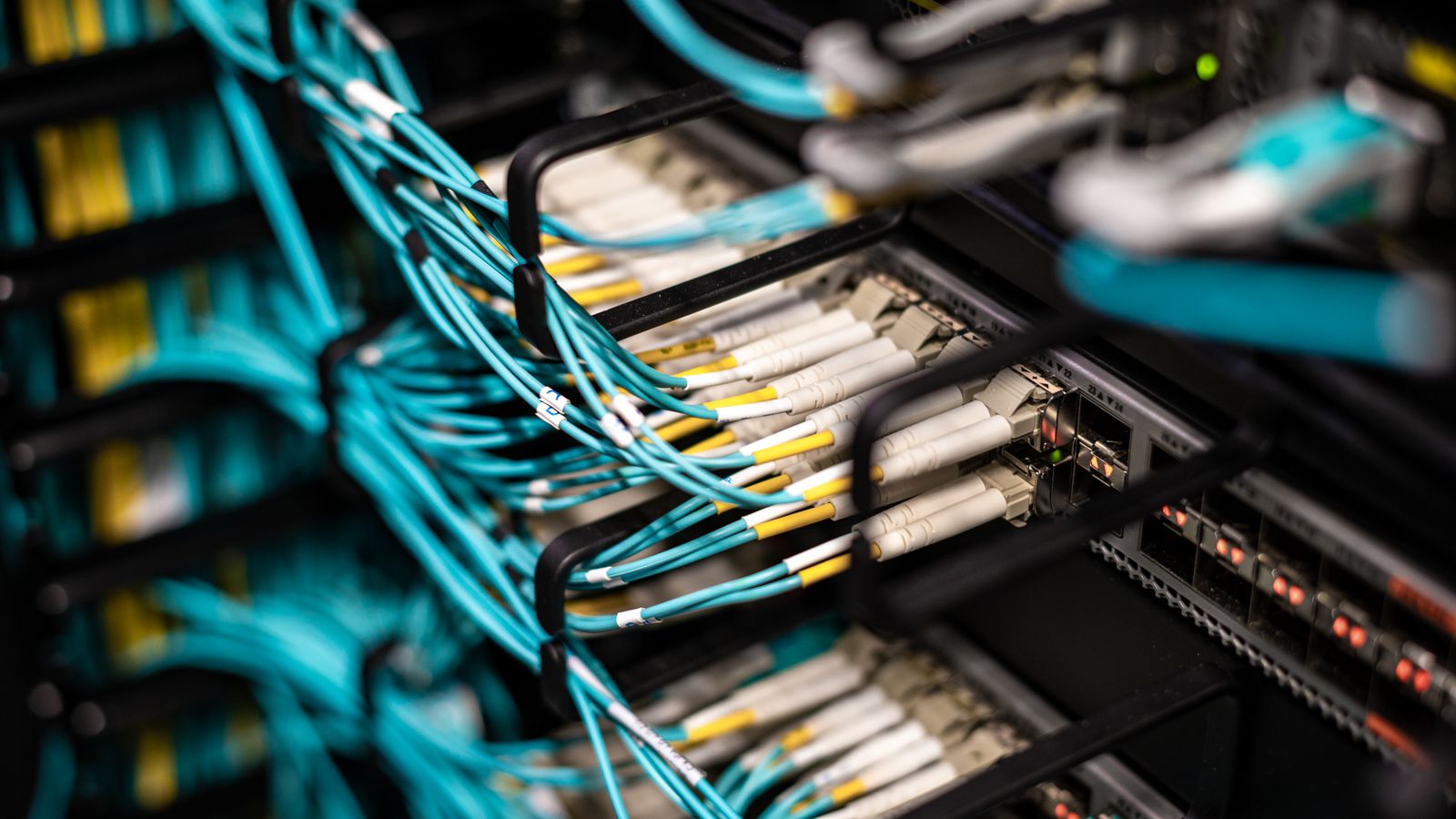
The control panel is the visible, touchable part of an automation system: the box where field cables meet, where controllers and I/O cards live and which the maintenance technician opens every day. When a panel is poorly designed, the system stays fragile however good the software is. This article summarizes the decisions that shape a control panel from requirements to commissioning.
Panel design rests on five questions: How much heat does it produce? How are power and signals separated? Where will the technician find what? Is there room to expand? Has it been tested and documented?
1. Write down the requirements
Before drawing, the following must be clear: installation environment (indoor/outdoor, temperature, dust, humidity, vibration, corrosive atmosphere), enclosure rating (IP code, IEC 60529), supply voltage and redundancy, signal count and type (I/O list), communication interfaces, expected spare capacity and the boundary between field and panel (who pulls which cable?). Panel quotations made without this information come back later as “extra work”.
2. Rely on standards
The IEC 61439 series for low-voltage switchgear and controlgear assemblies, IEC 60204-1 for the electrical equipment of machines and IEC 60529 for enclosure ratings are common references. Which standard applies depends on the project and product and should be written explicitly in the contract. Local regulation and the customer specification can add requirements.
3. Calculate the heat
Every component in the panel produces heat: power supplies, drives, controllers, relays. Total heat loss must be compared with what the enclosure surface can dissipate at the ambient temperature; fans/filters, a heat exchanger or air conditioning are added where needed. The life of electronic components shortens markedly with temperature, so “it fits” is not enough; it must be “it stays cool”.
4. Layout and segregation
- Power and signal segregation: AC power, 24 V DC and low-level analog signal cables are routed in separate ducts; crossings are made at right angles.
- Visual separation of voltage levels: coloured wires and labelled terminal zones reduce maintenance errors.
- Accessibility: controller and I/O card LEDs should be visible with the panel door open; fuses and terminals should be at the front.
- Spare space: leave room for expansion in ducts, terminals and the mounting plate; as a practical rule, around 20% spare space is planned.
- Earthing and shields: shield connections and the earth bar are made to a single scheme.
5. Labelling and documentation
Every wire end, terminal and component must match the label in the drawing one to one. At handover the following document set should be expected:
| Document | Content |
|---|---|
| Single-line diagram | Supply, protection and distribution structure |
| Wiring diagrams | Terminal, cable and label information |
| Layout drawing | Component positions, dimensions, duct routing |
| Bill of materials | Manufacturer, model, quantity; reference for spares |
| Heat calculation and test report | Calculation result and factory test records |
| Maintenance notes | Fuse ratings, settings, spare-part recommendations |
6. Factory test
Before the panel goes to site it is tested at the factory: visual and mechanical inspection, insulation and continuity measurements, functional testing under voltage and verification of every channel by signal injection. The test should follow a pre-written plan and a signed report in the spirit of FAT; on site only the verification related to field cables and field devices remains.
7. Commissioning on site
After field connections are made, loop checks verify every signal from the field device to the operator display. A well-prepared I/O list and labelling scheme shorten this stage markedly; commissioning outputs close with the handover documentation.
Common mistakes
- No heat calculation, or relying only on the assumption that “the panel is big”.
- No spare space, so the panel is rebuilt at the first expansion.
- Changes made on site that never reach the drawings (as-built gap).
- Label and drawing mismatches that lengthen fault finding.
ASP Otomasyon does not offer the control panel as a stand-alone service; where a project needs one, it is handled within the scope of the DCS and PLC project: the panel process runs from requirements analysis to factory testing and commissioning together with the engineering team’s software and I/O knowledge, which reduces mismatches between panel and software from the start.
Frequently asked questions
How much spare capacity should a panel have?
It varies by project and sector; in many applications around 20% spare terminals and mounting space is a reasonable start. If expansion is planned, allow more.
Why does internal panel temperature matter so much?
The life of electronic components decreases with temperature, and heat-related failures can be intermittent and hard to diagnose. A heat calculation is the cheapest precaution to take before problems appear.
Should software and panel come from the same company?
Not necessarily, but when one team runs both, the I/O list, labelling and test documents derive from one source, which shortens integration and commissioning.